Serving the Dental Professionals Since 2015

SHOPPING CART
YOUR SHOPPING CART IS EMPTY!
Need help? Call (800) 833-7132
CATEGORIES

Maestro 3D Dental Studio - Ortho Studio Basic + Expert Mode

Product Code / ID

100-AGE

100-AGE / 21181

Ships by AGE Solutions S.r.l. within 5 to 10 business days

Regular Price:
$7,410.00
Price for AAO Members:
(Get up to 10% Off)
VIP members save up to 50%
Join VIP Now

Available Options


* Extra Freight Charge

* Please Select Package

Add to Cart

Dental Studio - Ortho Studio Basic + Expert Mode

Expert Mode offers an exclusive subscription that includes advanced, automated features, as well as access to remote computing servers that leverage parallelism and AI to perform complex tasks transparently. With Expert Mode, you'll never have to worry about future developments or purchasing updates and support packages: constant updates and direct technical support are always included, ensuring a comprehensive, worry-free service. For industry professionals, choosing Maestro 3D means partnering with a trusted technology provider that continuously invests in developing new features and keeps you ahead in an increasingly competitive market.

M3D, Dental Studio Expert, MDS500, 3D dental scanner, dental software, Maestro 3D, orthodontic software, dental impression scanner, dental prosthesis design, orthodontic treatment planning, digital dental appliances, digital dental workflow, dental CAD/CAM solutions

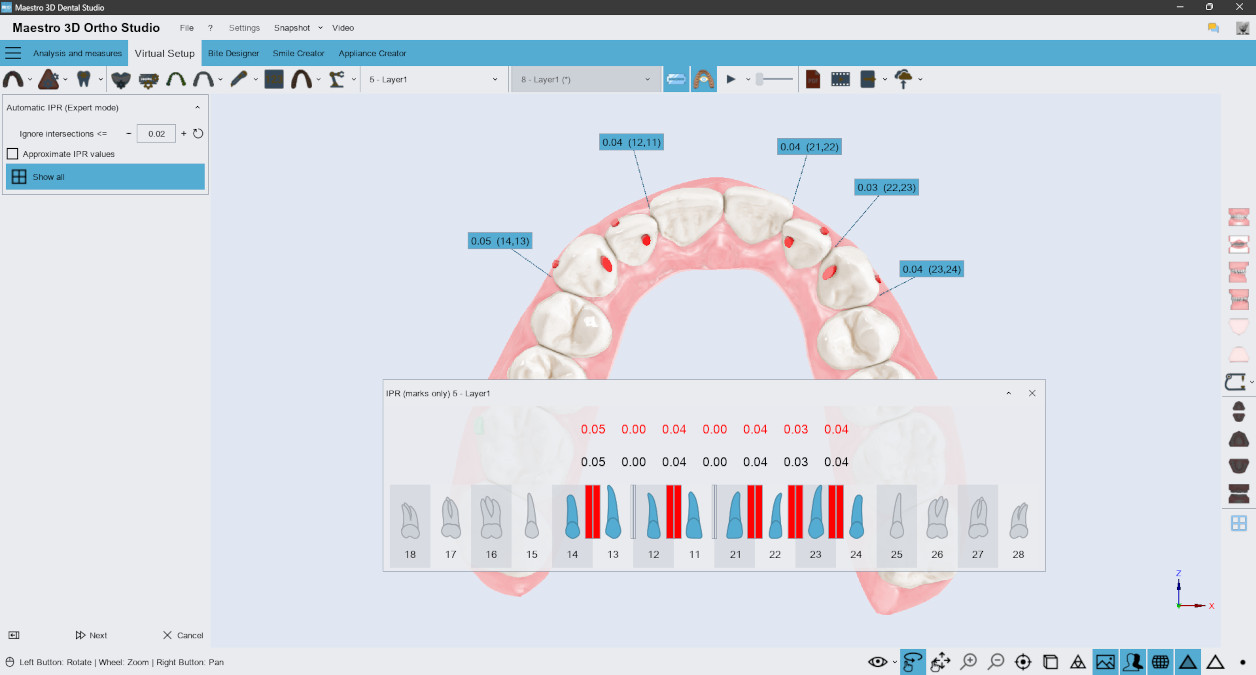
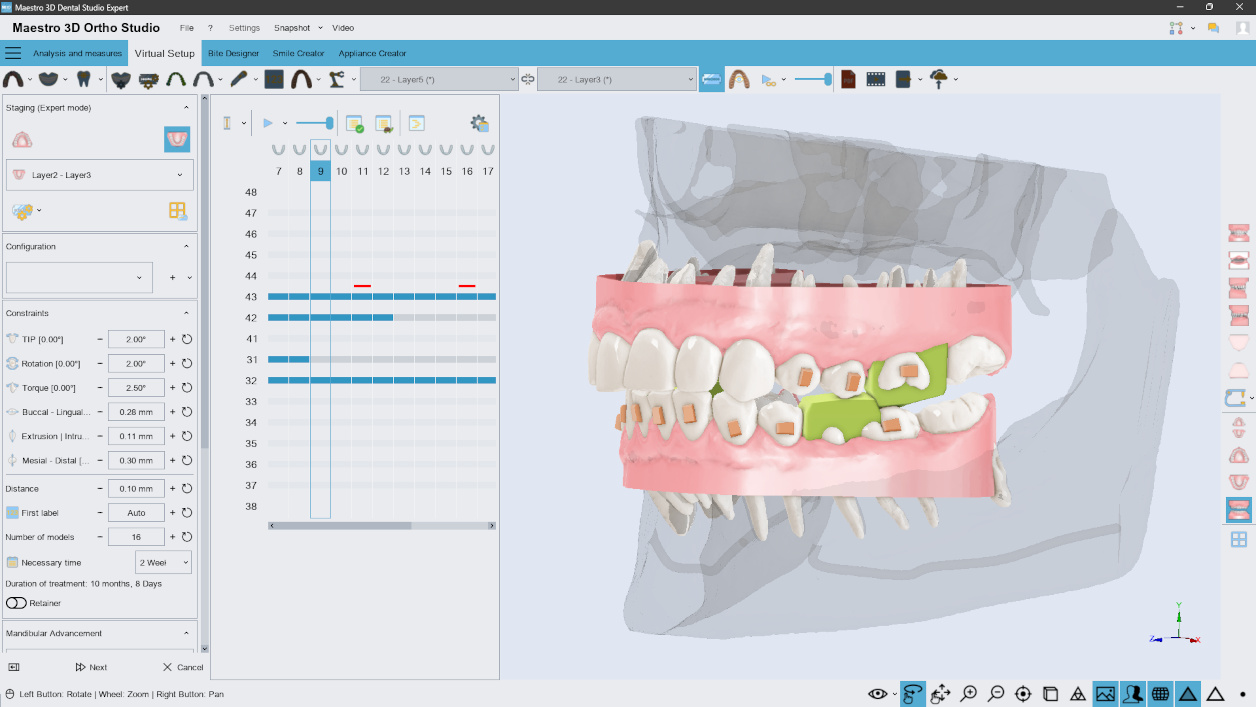
Automatic IPR

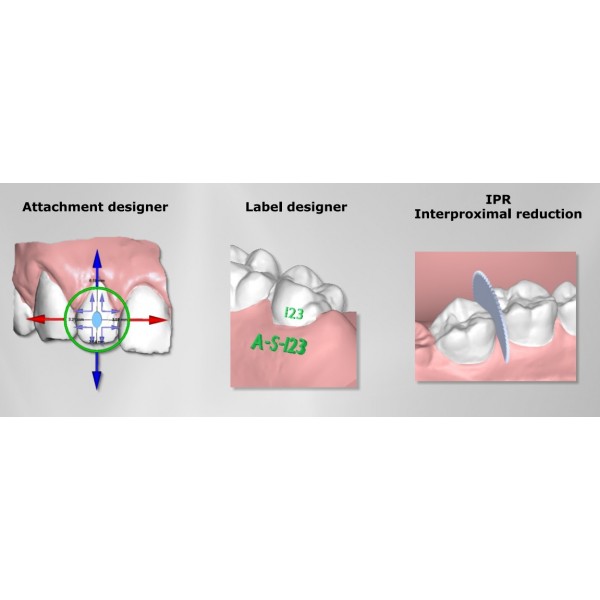
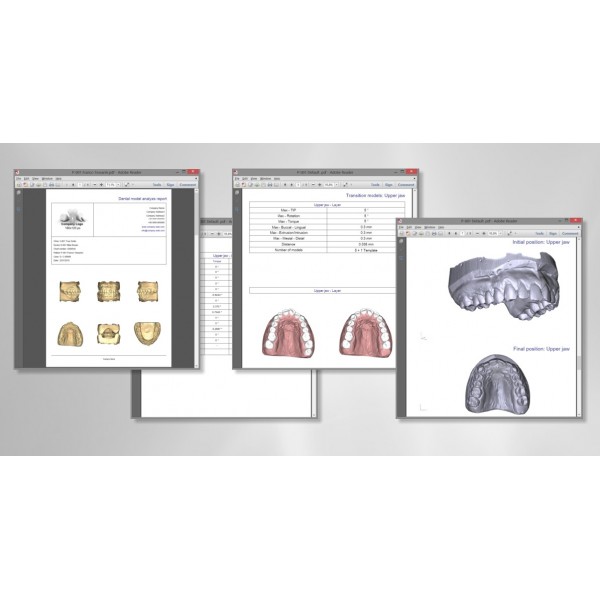
The automatic calculation of IPR for all transition models automatically adds the necessary IPR values for each model in the treatment sequence. Zero effort required, just one click! This function processes all transition models, identifying the contacts and necessary IPR values for executing planned movements. Additionally, it's possible to customize the values suggested by the software, advancing or postponing some IPR based on individual needs. The defined IPR values will be included in the treatment report in PDF or Webreport format.

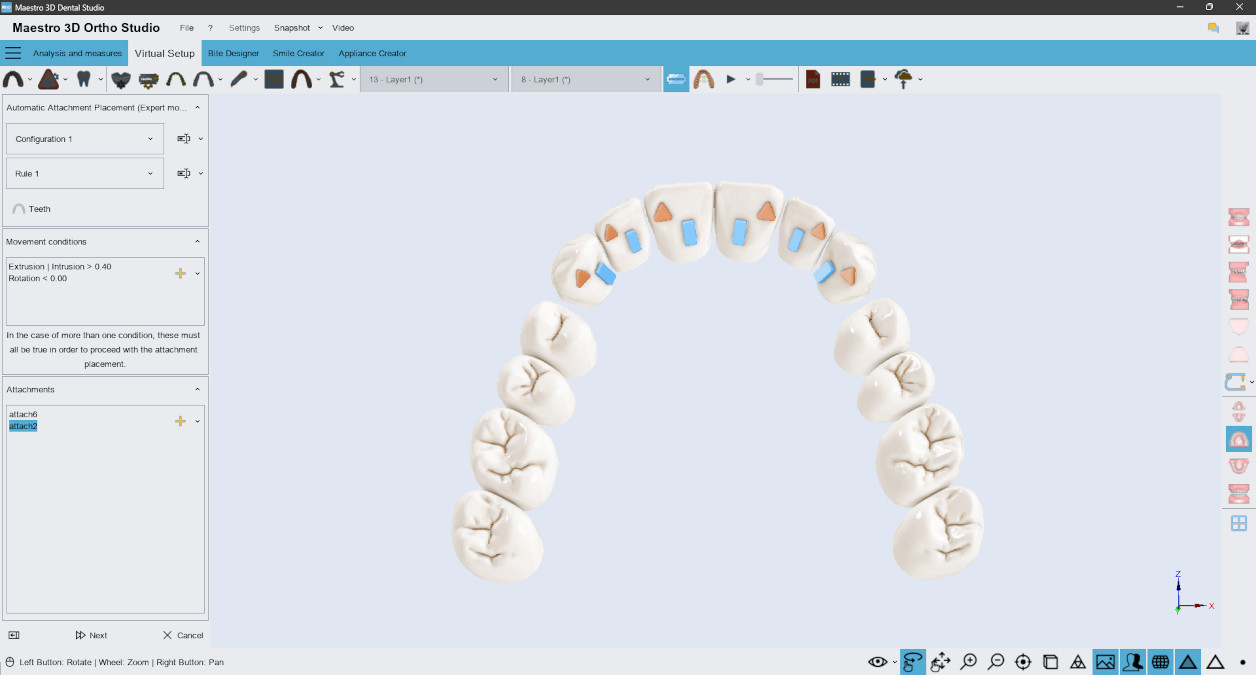
Automatic Attachment Placement

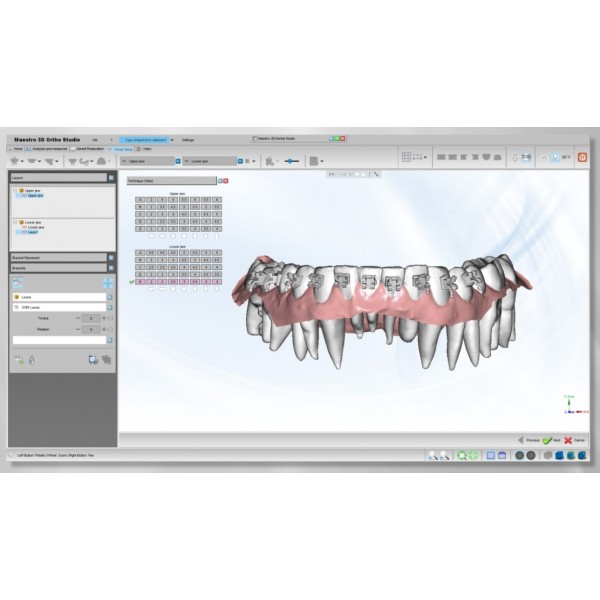
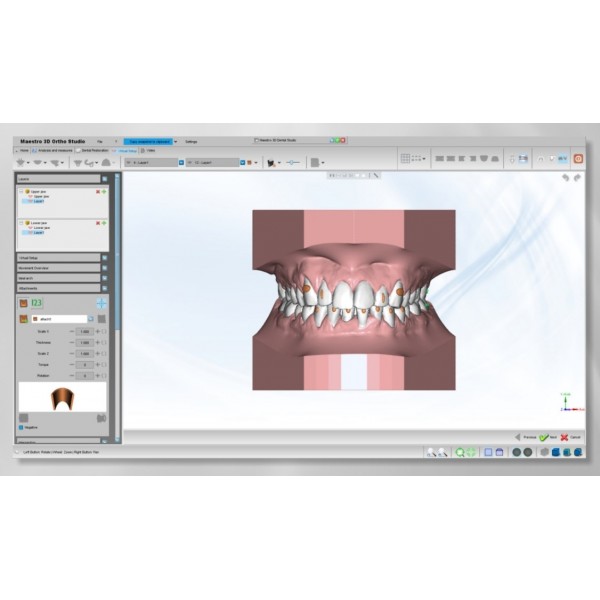
Create targeted positioning strategies: design tailored protocols to optimize treatment predictability. Customize automatic positioning rules in your protocols. The software adds the necessary attachments based on the specific dental movements defined in your protocol. You can specify the type of attachment, its shape, thickness, position, and more.

Learn more

M3D, Dental Studio Expert, MDS500, 3D dental scanner, dental software, Maestro 3D, orthodontic software, dental impression scanner, dental prosthesis design, orthodontic treatment planning, digital dental appliances, digital dental workflow, dental CAD/CAM solutions

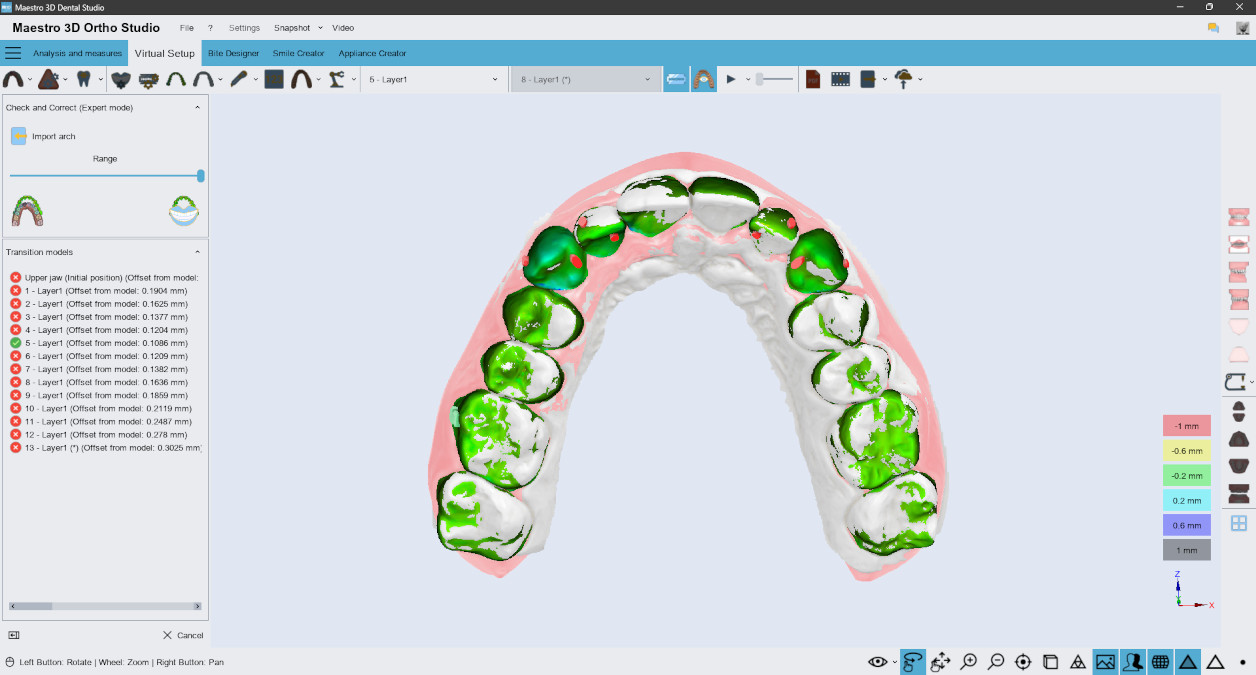
Check and Correct the Treatment

Track the progress of your orthodontic treatment over time effortlessly:

  • Automatically detect the transition model closest to the control scan.
  • Automatically replace segmented teeth and gums with the new control scan.
  • Automatically generate a new project from the new scan, preserving the original planning without the need to segment the teeth again.


Learn more

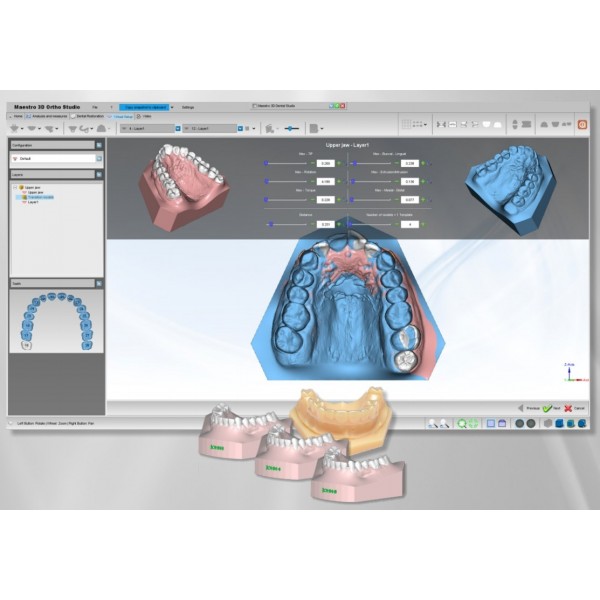
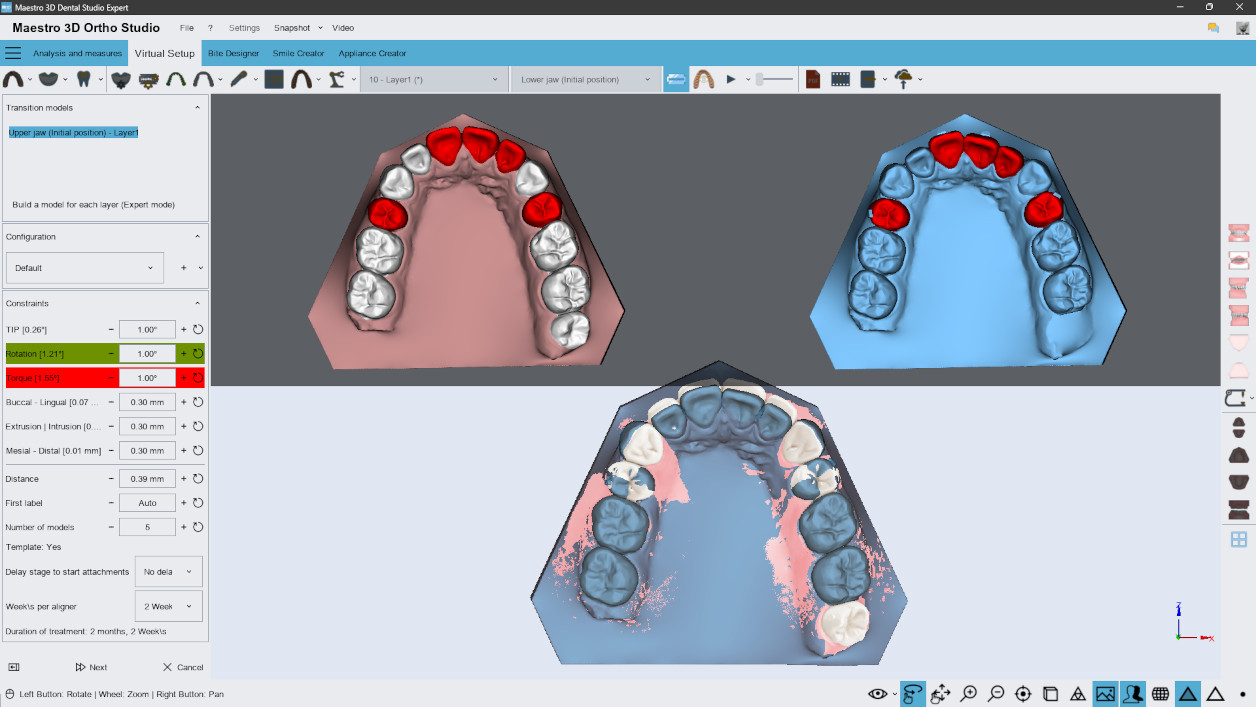
Construction of Transition Models

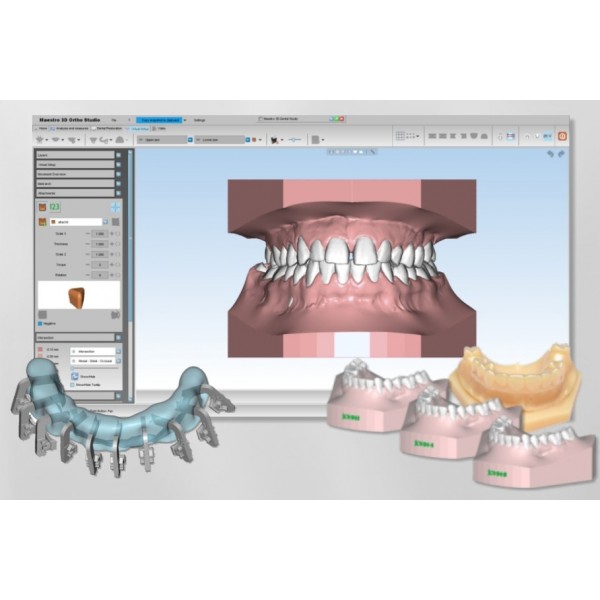
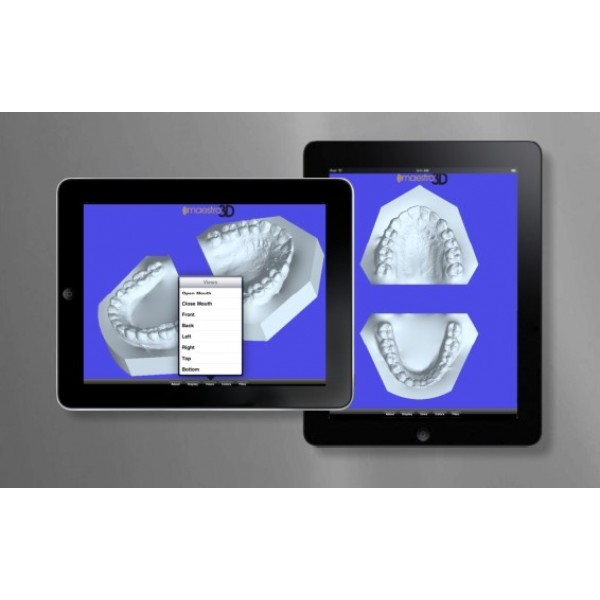
The generation of transition models allows for the creation of the complete set of models required for the entire orthodontic treatment, ready for export in open formats such as STL, PLY, or OBJ and optimized for 3D printing. This process is fully automated and takes only a few seconds.

Learn more

M3D, Dental Studio Expert, MDS500, 3D dental scanner, dental software, Maestro 3D, orthodontic software, dental impression scanner, dental prosthesis design, orthodontic treatment planning, digital dental appliances, digital dental workflow, dental CAD/CAM solutions

Mandibular Advancement

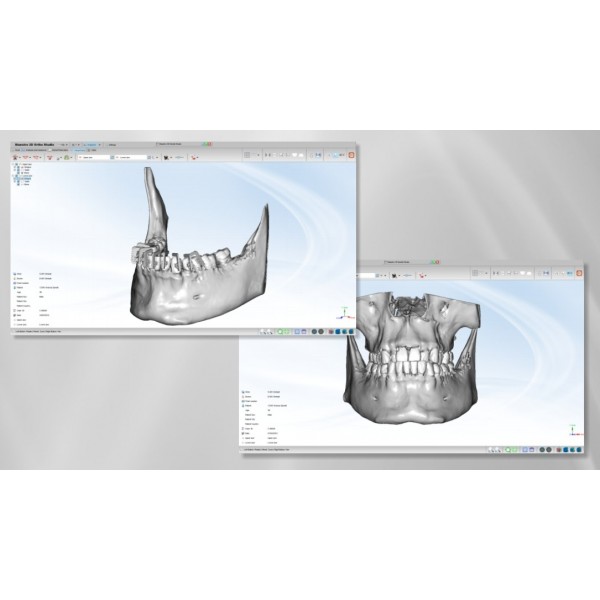
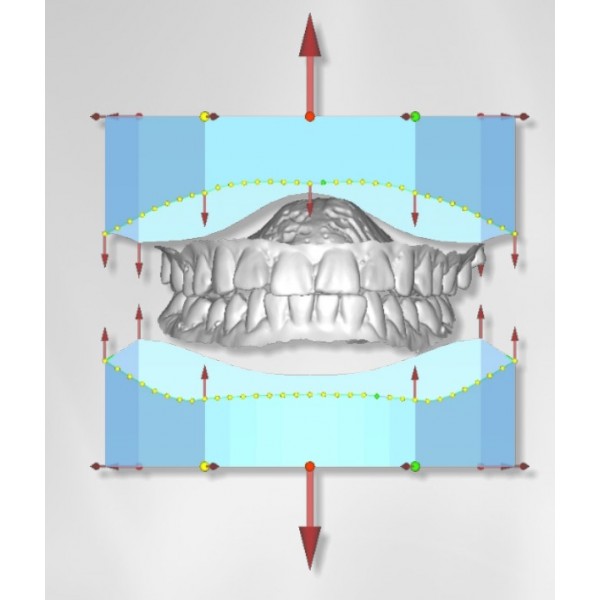
Advanced (Expert) feature for the digital design of mandibular advancement, indicated for the treatment of Class II malocclusions and related functional disorders. It enables the integration of functional orthodontic devices, such as twin block, directly into the workflow with clear aligners, improving control and clinical predictability.

Learn more

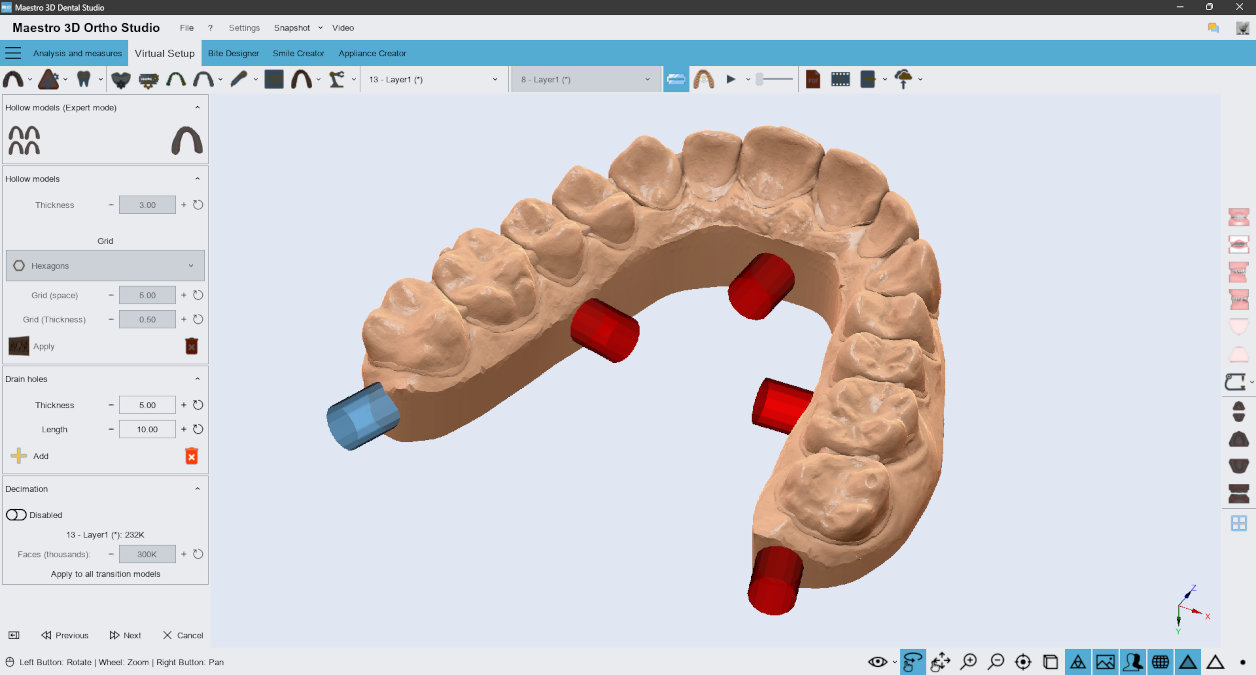
Printable Models

Automatically convert all transition models into printable models with a few clicks:

  • Integrate interproximal wax-ups and gingival line wax-ups.
  • Remove undercuts.
  • Generate hollow models with various grid options.
  • Include drainage holes.
  • Optimize and reduce the final resolution and file size.


Learn more

M3D, Dental Studio Expert, MDS500, 3D dental scanner, dental software, Maestro 3D, orthodontic software, dental impression scanner, dental prosthesis design, orthodontic treatment planning, digital dental appliances, digital dental workflow, dental CAD/CAM solutions

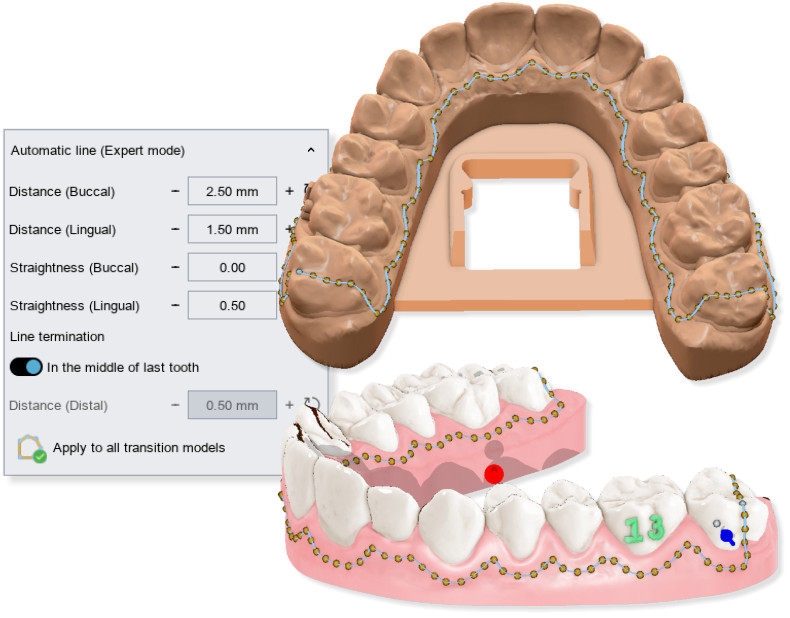
Automatic Cutting Line (AI)

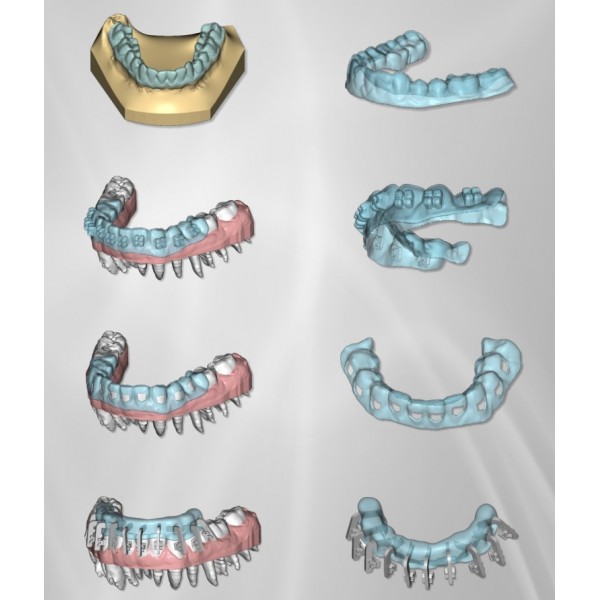
The automatic cutting feature of Maestro 3D, based on artificial intelligence (AI), generates the cutting line in various scenarios:

  • Automatic cutting of aligners.
  • Creation of virtual aligners for direct printing.
  • 'Cut and close' on transition models.
By automating and standardizing multiple processes in aligner production, this function ensures replicable protocols that enhance treatment predictability.


List of functionalities available in Expert Mode:

  • Continuous access to all software updates.
  • Import of custom attachments.
  • Reviews (0)
    write a review

    Do you like this product? Tell other people. Leave a review!

    Write a review
    Note: HTML is not translated!

    Rating :

    There are no reviews for this product.
Open Form
 
Product Name: Maestro 3D Dental Studio - Ortho Studio Basic + Expert Mode
MPN: ORTHO_B + ORTHO_IB
Your Name:
Comment:
 
Submit
0